Workflows
Introduction
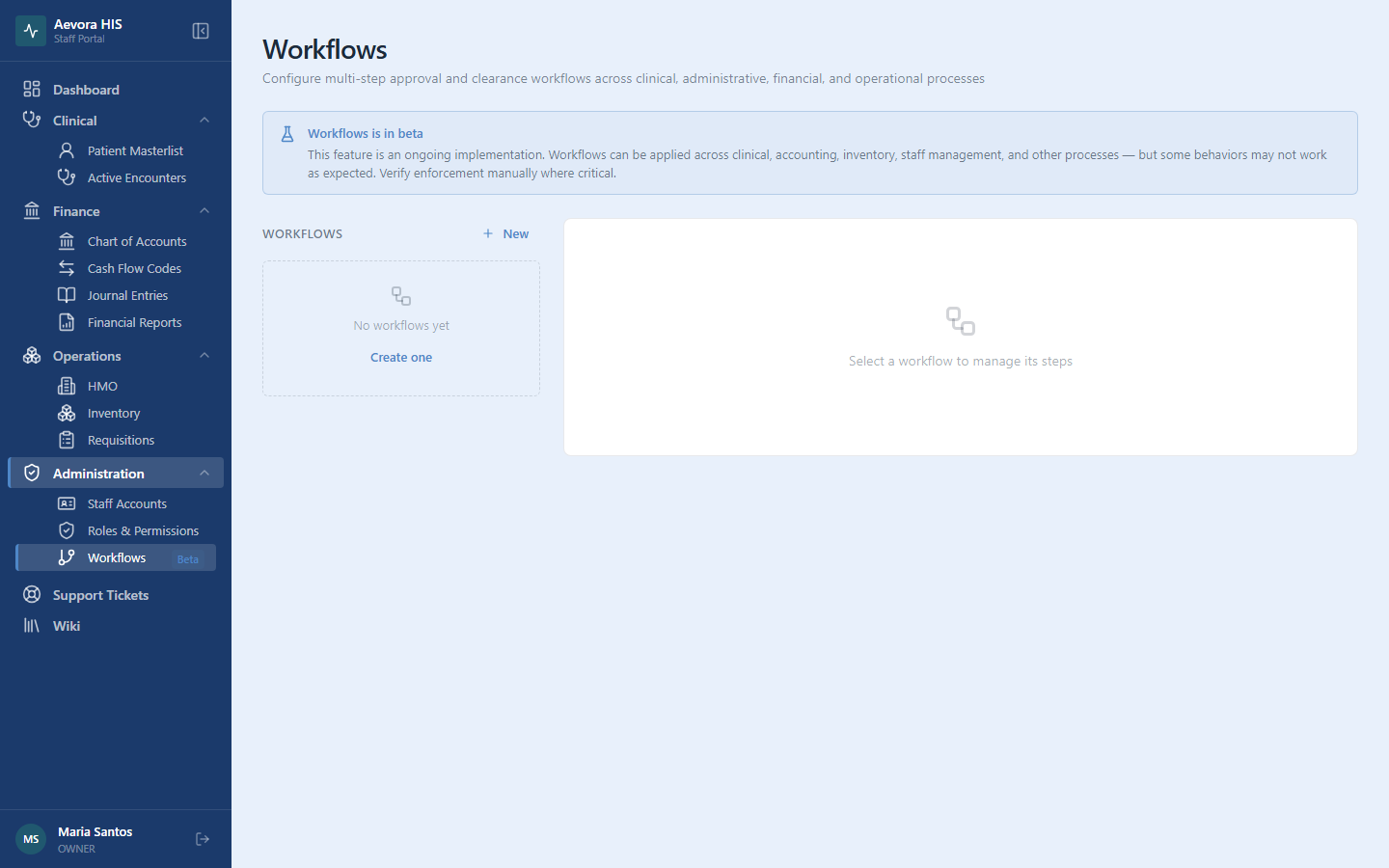
Section titled “Introduction”A Workflow is a facility-configured checklist of clearance steps that must be cleared (or explicitly waived) before a triggering event on an encounter can proceed — today, the only trigger is a patient reaching Pending Discharge. If your facility requires, say, a billing sign-off and a pharmacy return check before anyone leaves, a workflow is how you enforce that consistently instead of relying on staff to remember.
Key Concepts
Section titled “Key Concepts”Definitions vs. Clearances
Section titled “Definitions vs. Clearances”A workflow definition is the reusable template — its name, its trigger, and an ordered list of steps. A clearance (workflow instance) is created automatically from a definition the moment an encounter hits the trigger condition, and tracks the real-time status of each step for that specific encounter. Editing a definition’s steps going forward doesn’t retroactively change clearances already in progress.
Steps Can Be Required or Optional
Section titled “Steps Can Be Required or Optional”Each step in a definition can optionally be assigned to a specific department and marked optional. A clearance auto-completes once every required step is either cleared or waived — optional steps don’t block completion.
Use Cases
Section titled “Use Cases”Creating a Workflow Definition
Section titled “Creating a Workflow Definition”- Go to Administration → Workflows.
- Click New Workflow.
- Enter a name and choose the trigger (currently only “Pending Discharge” is available).
- Click Save.
Adding, Reordering & Removing Steps
Section titled “Adding, Reordering & Removing Steps”- Open the workflow definition.
- Click Add Step, enter a name, optionally assign a department, and mark it optional if it shouldn’t block completion.
- Drag steps to reorder them — order is purely informational/display, not sequential enforcement; all pending steps are actionable at once.
A step already used by an in-progress or completed clearance can’t be removed — this protects the historical record of what a specific patient’s clearance actually required.
Clearing a Workflow Step on an Encounter
Section titled “Clearing a Workflow Step on an Encounter”From an encounter that’s reached the trigger condition (e.g., Pending Discharge), open its clearance checklist and click Clear on a step, optionally adding a note. Once every required step is cleared or waived, the clearance completes automatically.
Waiving a Required Step
Section titled “Waiving a Required Step”If a required step genuinely doesn’t apply to a specific case, click Waive on it instead of Clear, and add a note explaining why. A waived step counts the same as a cleared one for completion purposes, but stays visually distinct in the record.
Reference
Section titled “Reference”Permissions
Section titled “Permissions”| Action | Permission |
|---|---|
| View/create/edit/delete workflow definitions | workflow.definition (view / create / edit / delete) |
| View, clear, or waive clearance steps on an encounter | workflow.clearance (view / edit / waive) |
See Discharging a Patient for how a Pending Discharge clearance appears from the clinical side.