Cash Flow Codes
Introduction
Section titled “Introduction”Cash flow codes are the section headings of the Cash Flow Statement. Each code groups the general-ledger accounts whose month-to-month movements explain where the facility’s cash went — claims waiting on PhilHealth, medicine stock bought, a loan repaid. Without codes, the statement has nothing to group by and will not reconcile.
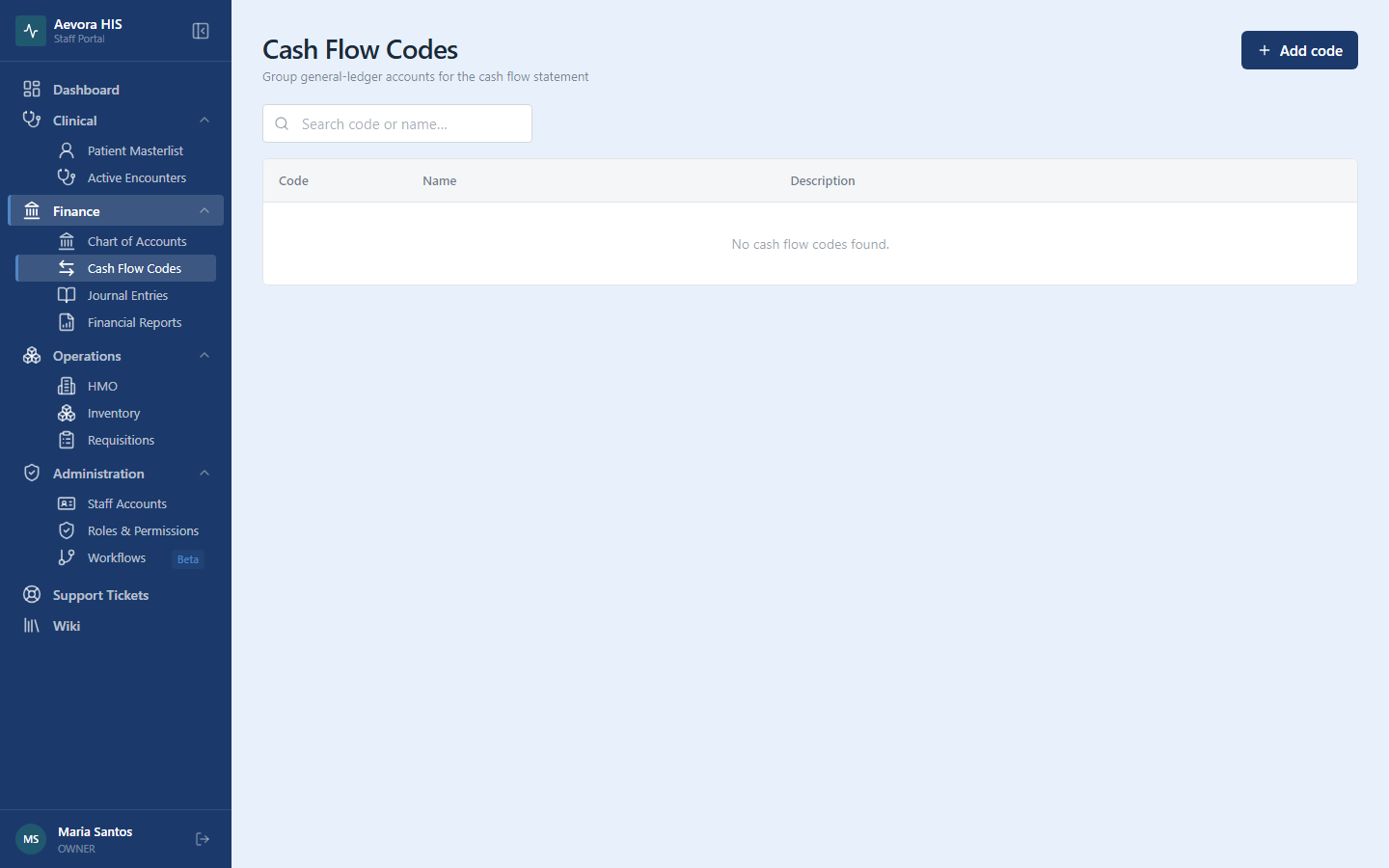
Managing codes requires the Cash Flow Codes permissions (view / create / update / delete). Go to Finance → Cash Flow Codes.
Key Concepts
Section titled “Key Concepts”The Standard Three Codes
Section titled “The Standard Three Codes”Nearly every facility only ever needs the three standard sections of the indirect-method statement:
| Code | Name | What belongs in it |
|---|---|---|
OPA |
Operating Activities | The day-to-day engine: PhilHealth and HMO claim receivables, patient receivables, supplier payables, medicine and supply inventory, accrued salaries, depreciation |
INV |
Investing Activities | Buying or selling long-lived assets: medical equipment, building improvements |
FIN |
Financing Activities | Money into and out of the facility itself: bank loans and repayments, owner capital |
Create these once when the facility is set up; day-to-day work then happens in the Chart of Accounts, not here.
Cash Accounts Never Get a Code
Section titled “Cash Accounts Never Get a Code”Cash on Hand, Petty Cash, and bank accounts are what the statement explains — flag them with the Cash account switch in Chart of Accounts instead. The statement ignores cash flow codes on cash-flagged accounts, so this is the one rule to remember before assigning codes elsewhere.
The Balance Column
Section titled “The Balance Column”The table shows a Balance for each code: the combined ledger balance of every account currently assigned to it, from posted journal entries only — drafts and voided entries don’t count. A code with no assigned accounts, or no posted activity, shows ₱0.00.
Each account contributes its natural balance: asset and expense accounts add what they hold on the debit side, while liability, equity, and revenue accounts add their credit side. It is the same result as netting each of the code’s accounts on the Trial Balance and adding them up.
This is a running all-time total of the accounts’ balances — it is not the monthly cash-movement figure the Cash Flow Statement shows for the same section.
Use Cases
Section titled “Use Cases”Creating a Cash Flow Code
Section titled “Creating a Cash Flow Code”- Go to Finance → Cash Flow Codes.
- Click Add code.
- Fill in:
- Code — a short identifier like
OPA(up to 20 characters). Must be unique within the facility. - Name — the section title shown on the statement, e.g. “Operating Activities”.
- Description — optional note on what the section covers.
- Code — a short identifier like
- Click Create code.
A duplicate code is rejected with “A cash flow code with this code already exists.”
Assigning Codes to Accounts
Section titled “Assigning Codes to Accounts”Codes do nothing until accounts carry them. In Chart of Accounts, edit each account that drives cash movement and pick its Cash flow code — receivables, payables, inventory, equipment, loan, and depreciation accounts.
Two rules of thumb:
- Cash accounts don’t get a code. See above.
- If it moved during the month, it needs a code. Any non-cash account with activity but no code is invisible to the statement, which is the usual cause of an unreconciled (“Off by …”) result — see the troubleshooting checklist.
Editing or Deleting a Code
Section titled “Editing or Deleting a Code”The code, name, and description can be edited at any time — the statement picks the change up immediately.
Deleting a code also clears it from every account that carried it. Those accounts become uncoded, so the Cash Flow Statement may stop reconciling until they are reassigned. Delete a code only when you mean to retire the whole section; the freed code value can be reused afterwards.
Reference
Section titled “Reference”Permissions
Section titled “Permissions”Managing cash flow codes requires the cash-flow-codes permission (view / create / update / delete).